
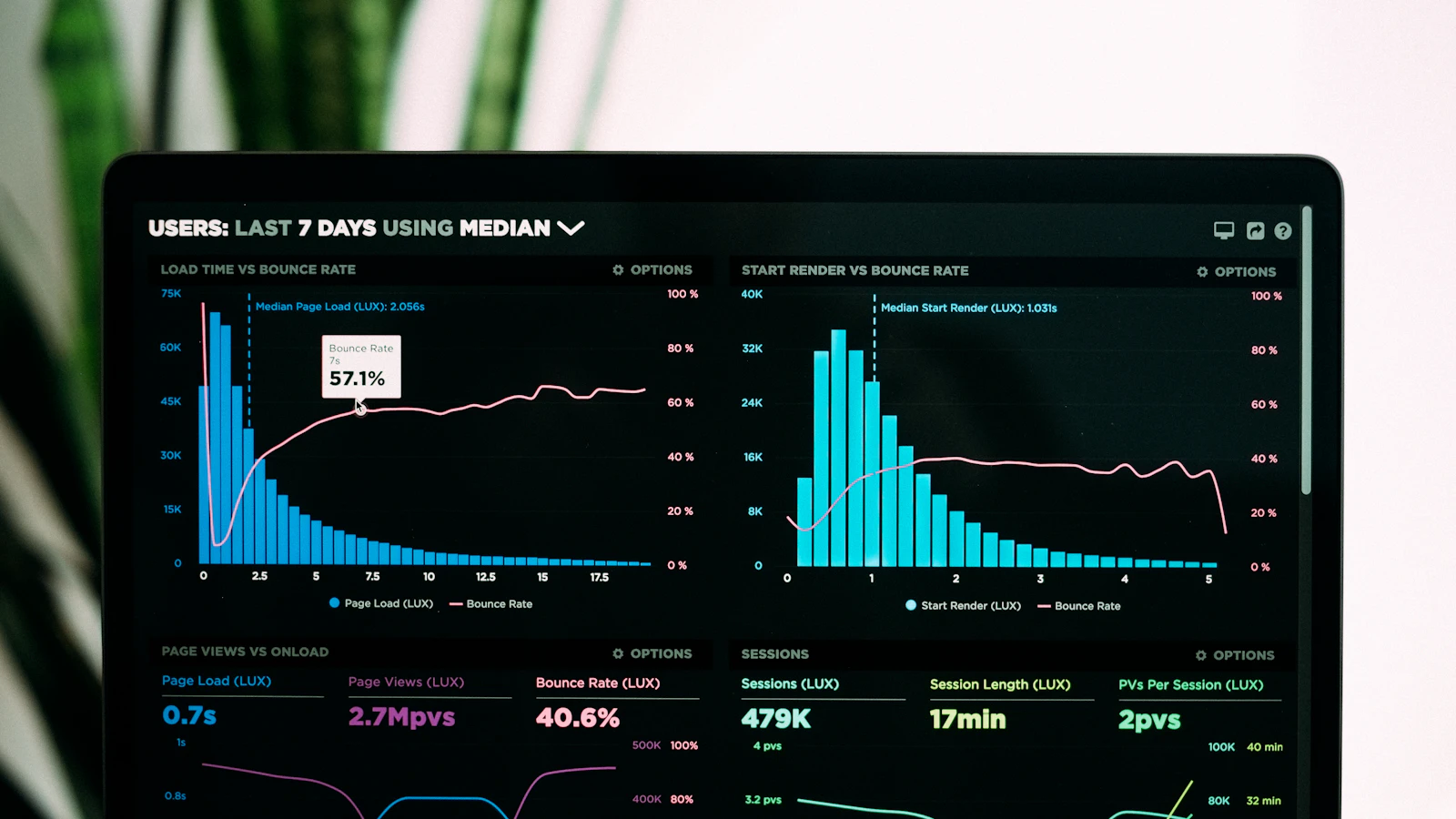
What are Core Web Vitals? They are three measurements Google uses to judge how a page feels to real visitors: how fast the main content appears (LCP), how quickly the page responds when someone taps or clicks (INP), and how much the layout jumps around while loading (CLS).
They matter for two reasons. They are part of how Google evaluates pages, and, more importantly, they describe the moments when visitors get frustrated and leave.
Here’s what each one means, without the jargon.
The three Core Web Vitals
| Metric | What it measures | Good score |
|---|---|---|
| Largest Contentful Paint (LCP) | How long until the main content appears | 2.5 seconds or less |
| Interaction to Next Paint (INP) | How quickly the page reacts to a tap or click | 200 milliseconds or less |
| Cumulative Layout Shift (CLS) | How much the page jumps around while loading | 0.1 or less |
To pass, at least 75% of visits to a page need a “good” score on all three. Google looks at real visitors, not a single test.
LCP: does the page look loaded?
LCP is the moment the biggest thing on screen, usually the hero image or main heading, finishes appearing. It’s when a visitor feels the page has arrived.
Common causes of a slow LCP on WordPress: slow hosting, no page caching, a huge hero image, or a hero image that is lazy-loaded when it shouldn’t be.
INP: does the page respond?
INP measures the delay between a visitor’s action, such as tapping a menu button, and the page visibly reacting. A poor INP feels like a sticky, unresponsive site.
Common causes: too much JavaScript. Page builders, sliders, chat widgets, tracking scripts and pop-ups all compete for the phone’s processor.
CLS: does the page stay still?
CLS measures unexpected movement. You go to tap a link, a banner loads above it, and you tap an ad instead. That’s layout shift.
Common causes: images without set dimensions, late-loading banners and cookie notices, embedded ads and web fonts that swap in late.
How to check your scores
PageSpeed Insights
Enter a page into Google PageSpeed Insights. Look at the top section first. “Discover what your real users are experiencing” shows data from real Chrome visitors over the last 28 days. That’s what Google uses.
The lower section, the lab test and its score out of 100, is a simulation. It’s useful for finding problems, but it’s not the score that counts.
Smaller sites may not have enough visitors for real-user data. In that case, use the lab results as a guide.
Search Console
If your site is connected to Google Search Console, the Core Web Vitals report groups your pages into Good, Needs improvement and Poor, for mobile and desktop separately. It’s the easiest way to see the whole site at once. See my Search Console setup guide.
The WordPress fixes that help most
For LCP
- Good hosting with server-side caching. See choosing WordPress hosting in the Philippines.
- Page caching, explained in WordPress caching for business owners.
- Resize and compress the hero image, and don’t lazy-load it. More in how to optimise images for WordPress.
For INP
- Remove plugins and scripts you don’t need.
- Delay non-essential scripts such as chat widgets until the visitor interacts.
- Use lighter page templates. The block editor usually outputs far less code than a page builder, which I compare in Elementor vs Gutenberg.
For CLS
- Make sure every image has a width and height set. WordPress does this automatically for images added through the editor.
- Reserve space for banners, embeds and ads.
- Host fonts locally and preload the main one.
Do Core Web Vitals affect SEO?
Yes, but less than many people think. Google uses them as part of its page experience signals. A page with great content and average Core Web Vitals usually still beats a fast page with weak content.
The bigger effect is on people. Slow, jumpy pages lose visitors before they read anything, and that costs enquiries regardless of rankings.
Keep checking
Scores drift as you add plugins, images and scripts. Check monthly in Search Console and investigate any page that drops into “Poor”. For a full list of speed issues, see why your WordPress site is slow.
Speed checks and fixes are part of my WordPress support and maintenance, and every site I build through WordPress development is made to pass Core Web Vitals from launch.
Frequently asked questions
Why is my PageSpeed score different every time I test?
The lab test runs on a simulated device and network, and small differences in server response time change the result. Focus on the real-user data and on trends over time, not single runs.
Do I need a perfect score of 100?
No. Aim to pass all three Core Web Vitals for real users. Chasing 100 in the lab test often costs more than it’s worth.
Why is mobile so much slower than desktop?
Google tests mobile on a simulated mid-range phone with a slower connection. Most of your visitors are likely on phones, so the mobile result is the one to focus on.
Is FID still a Core Web Vital?
No. Interaction to Next Paint (INP) replaced First Input Delay (FID) in March 2024. INP is stricter because it looks at all interactions, not just the first.
About the author
Vincent Earl Panoncial is a WordPress developer and the founder of VEP Studio. He has built and maintained 100+ WordPress websites, most of them at digital marketing agencies, and now works directly with businesses on development, maintenance and webmaster services.
Need a hand with your WordPress site?
Tell me what your website needs and you’ll get a clear plan and an honest answer on cost before any work starts. Get a free consultation →
Featured photo by Luke Chesser on Unsplash.